
Find what matters
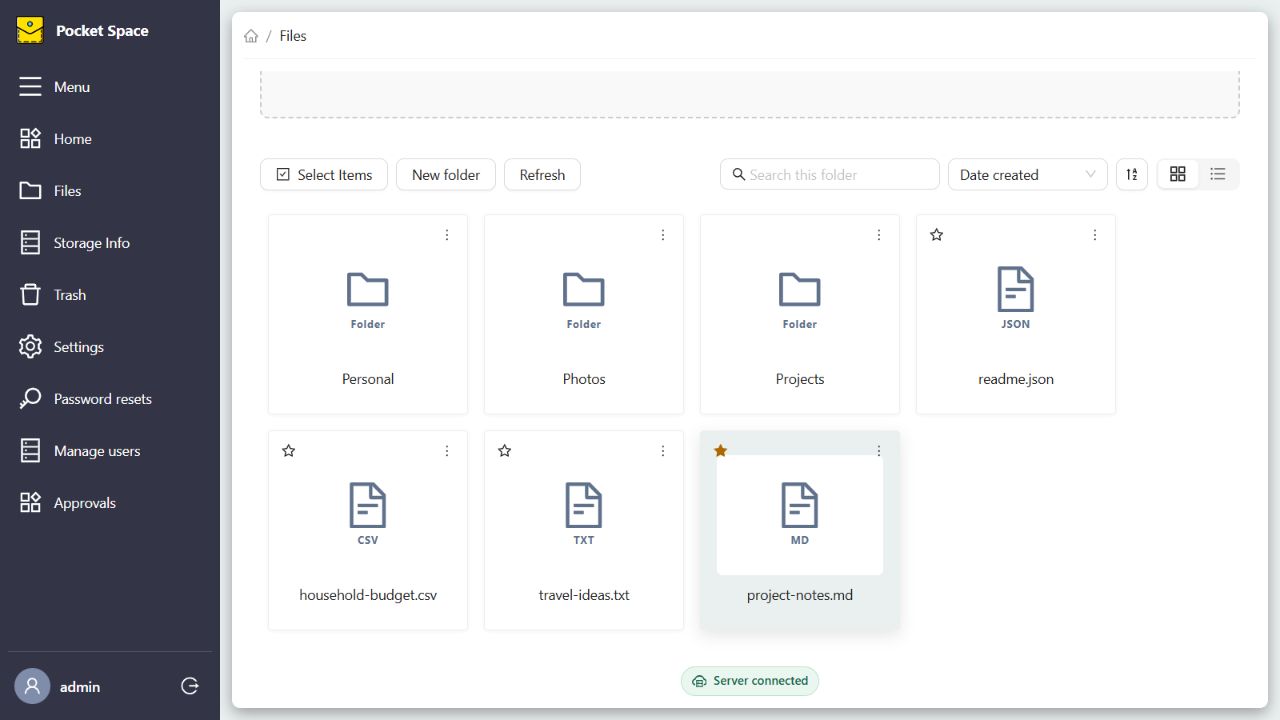
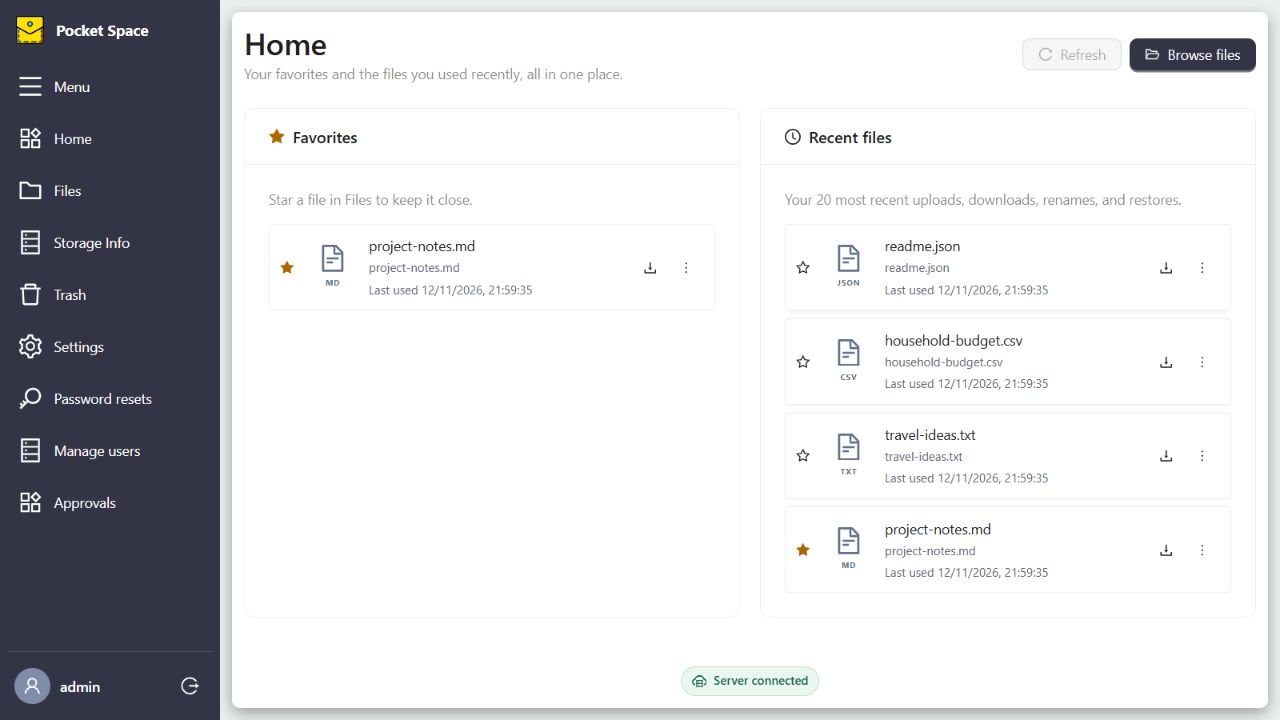
Browse folders, sort files, search names within a folder, and keep favorites and recent activity on Home.
A SELF-HOSTED STORAGE PROJECT
Pocket Space brings a familiar file workspace to a drive or S3 bucket you choose. Built to explore a simpler way to keep personal files accessible, private, and under your own roof.
A portfolio project by Akshay Rajput · React + ASP.NET Core
A personal drive should feel like yours. Yet the usual path often adds another monthly plan, another place to trust with your files, and less say over where the bytes actually live.
Pocket Space is my answer to that tension: a small, self-hostable file app that puts a usable browser interface in front of storage you manage. It can use a local or network mounted directory, or an AWS S3 bucket when that fits better.
Run on an existing drive or network share instead of making a hosted storage subscription the default. Your hardware, electricity, backups, and any S3 usage still have costs.
Set a filesystem path or your own bucket in the server environment. Switching providers does not silently migrate or delete files.
Accounts have isolated file roots and authenticated access. The server and whoever administers its storage can still access data; this is not end-to-end encryption.
THE EVERYDAY WORKSPACE
Browse and organize files without thinking about which backend holds them. Pocket Space keeps the common tasks close and makes storage visible.
Browse folders, sort files, search names within a folder, and keep favorites and recent activity on Home.
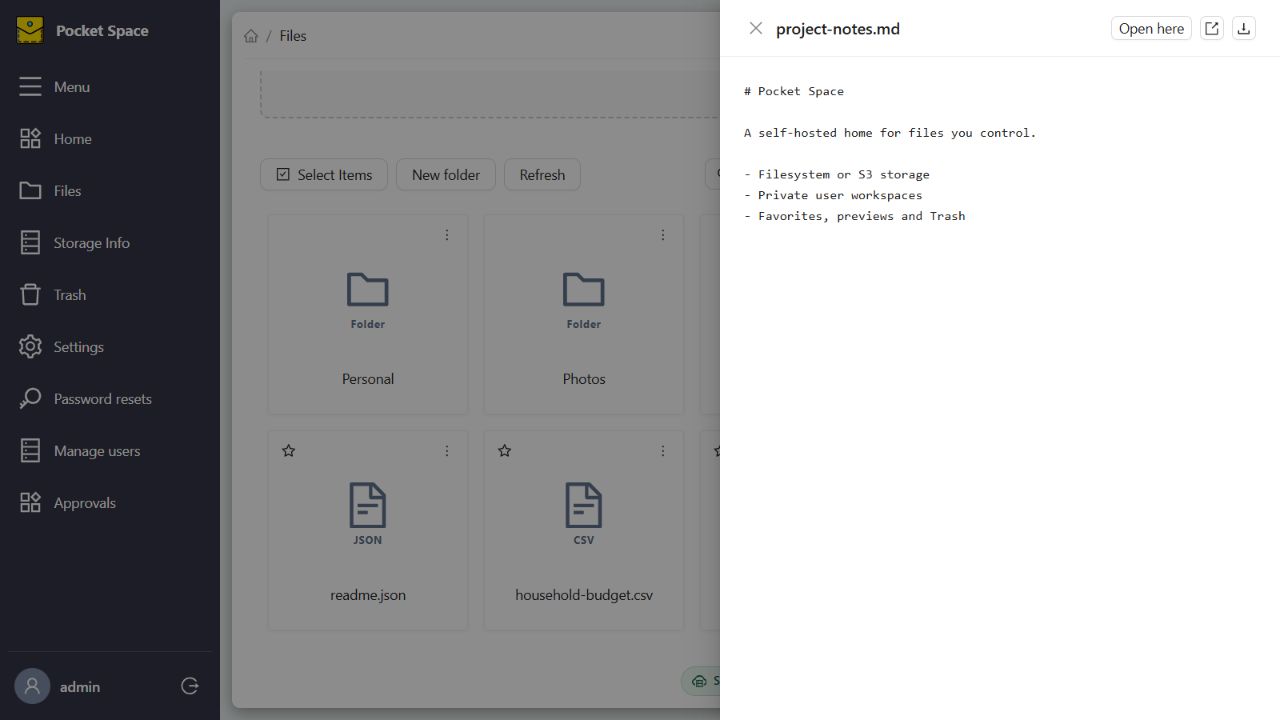
Upload and download, rename, create folders, preview common formats, and restore items from seven-day Trash.
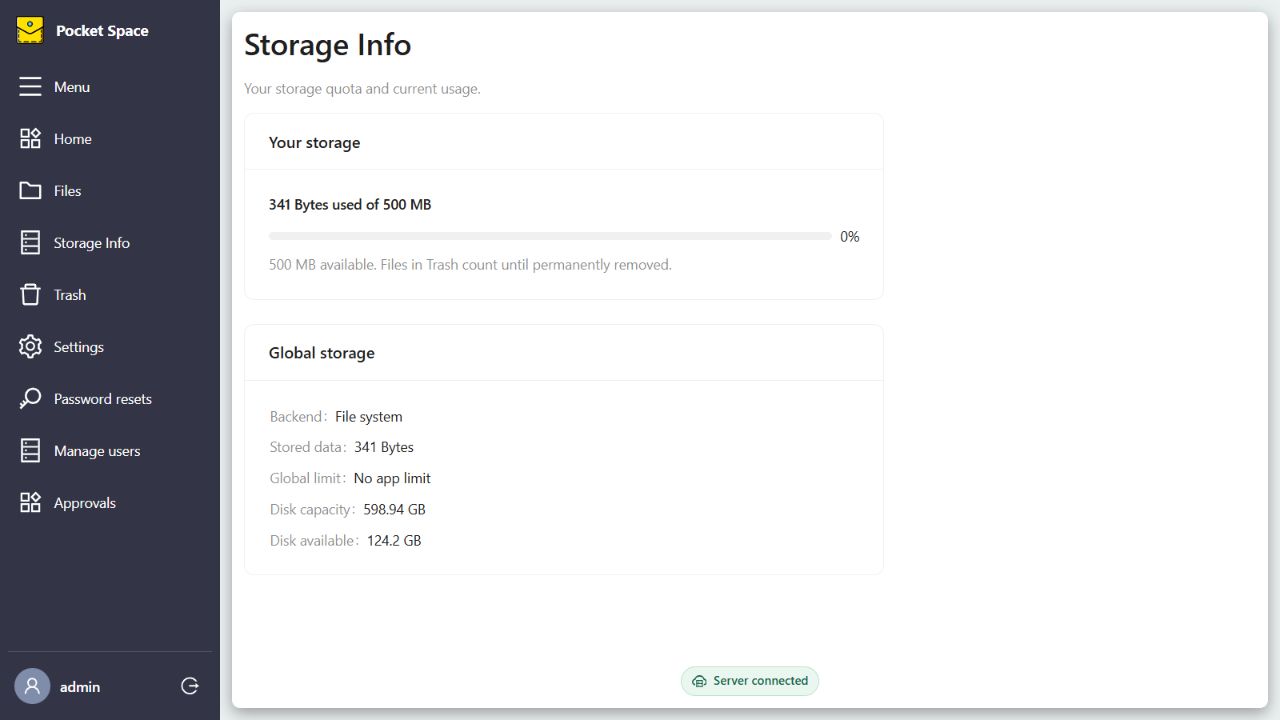
See per-user usage and quotas. Admin controls include account approval, quota increases, and an optional total storage cap.
Real screenshots of the running app, populated with sample files in an isolated local workspace.
THE ENGINEERING
The React client talks to an ASP.NET Core API. The API owns authentication, file operations, quotas, and metadata in SQLite, then sends file bytes to the selected storage backend.
The same interface can sit over a filesystem directory or an S3 bucket. That separation made it possible to add a second backend without rebuilding the file experience.
See storage setupWHY I BUILT IT
Pocket Space started with a practical question: can a personal cloud feel approachable while staying flexible about where data lives? Building it meant working through file isolation, storage adapters, metadata, quotas, cleanup jobs, and the everyday details of a file manager.
Akshay Rajput — creator of Pocket Space
Get the client and API from GitHub, point the server at a directory, and run both locally. The full guide includes an S3 option and a few important deployment notes.